











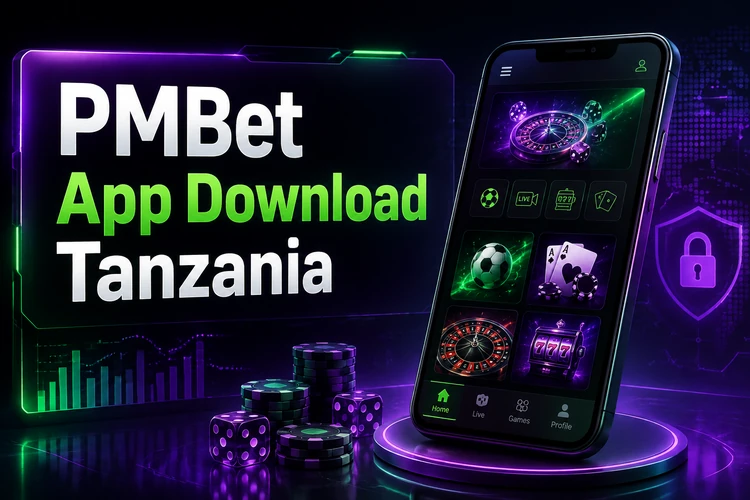
The PMBet mobile application gives Tanzanian players access to sports betting, live events, and casino games from a phone. Android users can install the app through an APK file from the official source, while iPhone users can use the mobile website in their browser. After signing in, you can manage bets, account settings, deposits, and withdrawals without relying on a desktop computer.
Before installing anything, check that your phone has a current Android version, enough free storage, and a reliable internet connection. Existing customers use the same account details as on the desktop site. New customers should read the account and payment information carefully before making a deposit, and gambling is for adults aged 18+ only.
What the PMBet Mobile App Offers
The mobile platform is designed for smaller screens, with sections for upcoming events, live markets, casino games, and account activity. A compact bet slip lets you review selections and potential returns before confirming a wager.
Players can check open and settled bets, review transaction history, adjust notification preferences, and update account details. Live odds may change quickly, so confirm the odds displayed in the bet slip immediately before placing a live wager. Performance can vary with the device, available storage, and mobile network quality.
How to Download and Prepare Your Device
Download the Android installation file only through the official PMBet website. Avoid unofficial app stores and file-sharing pages, where files can be outdated or altered. A stable connection helps prevent an incomplete download.
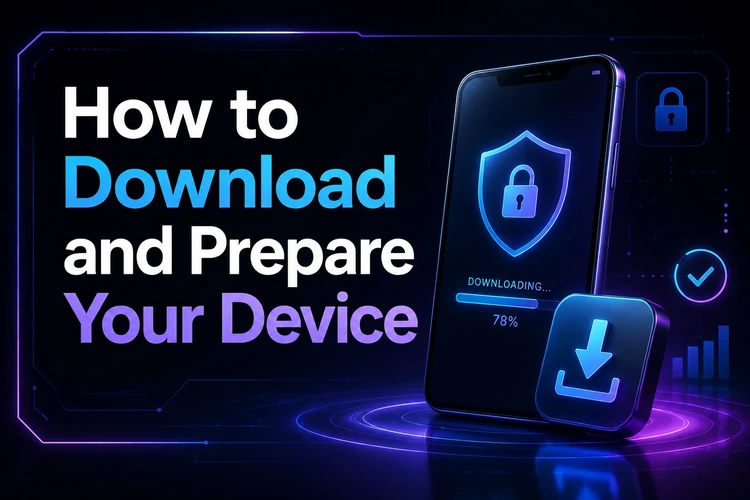
Android blocks installations from outside its app store by default. When prompted, allow your browser or file manager to install apps from that source. The wording and location of this setting differ between Android versions and phone manufacturers. Check free space first and close other downloads before starting.
Installing the APK on Android
When the download finishes, open the notification panel or Downloads folder and select the APK file. Android will show the installation screen and may ask you to approve installation from the app that opened the file.
- Step 1: Find the downloaded APK in the Downloads folder.
- Step 2: Tap the file and allow installation from the browser or file manager if requested.
- Step 3: Review the installation screen and tap Install.
- Step 4: Wait for Android to finish, then open the app.
- Step 5: Log in with your existing account details or complete registration.
If the installation stops, delete the incomplete file and download it again from the official source. Also check that an older copy of the app is not conflicting with the new file. Restarting the phone can clear a stalled installer process.
Using PMBet on iPhone
APK files work only on Android, so they cannot be installed on an iPhone. iPhone users can access PMBet through Safari or another mobile browser. The mobile site adapts its layout for touch controls and provides access to betting, casino content, account management, and payments.
In Safari, use the Share menu and choose Add to Home Screen to create a shortcut. It opens the site directly from an icon, although it is still a browser-based service. Browser notifications and certain device functions may differ from those in a native app.
Updating to the Latest Version
Install updates when the app displays an update notice or when the official source makes a newer file available. Updates can address technical issues, improve compatibility, and apply security changes. Do not download an update from a pop-up or message that leads to an unfamiliar website.
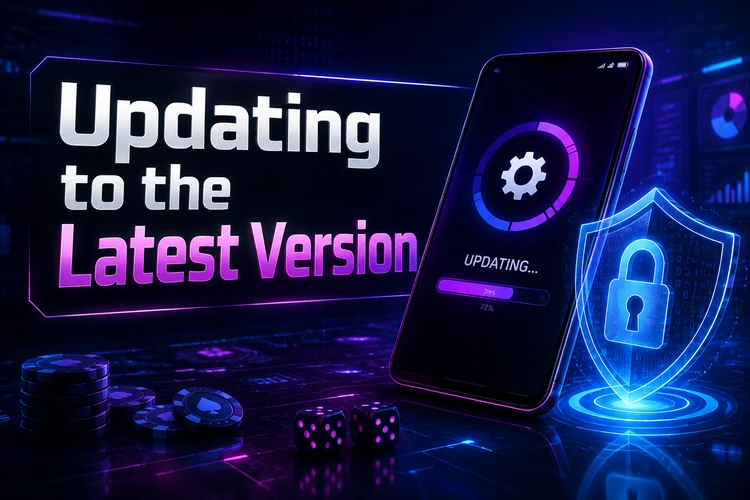
Before updating, make sure the download has completed and keep your account credentials available. Check the installed version in the app settings or in Android’s app information screen. If an update does not install, remove the downloaded file, free storage space, and try again.
Why Older Versions Are Not Recommended
An older APK may lack security fixes and may no longer work properly with current services. It can also cause login errors, failed loading screens, or missing payment options. Using the current release is generally the safer choice, particularly when you access account or payment information on the device.
If a new version has compatibility problems on an older phone, use the mobile website rather than looking for an unverified archived file. Keep Android itself updated where possible and do not install files sent through unknown contacts or messaging groups.
Available Features and Functionality
The sports section includes pre-match and live markets across football, basketball, tennis, cricket, and other events. Live betting prices can move as a match develops, and cash-out availability depends on the market and the current event status.
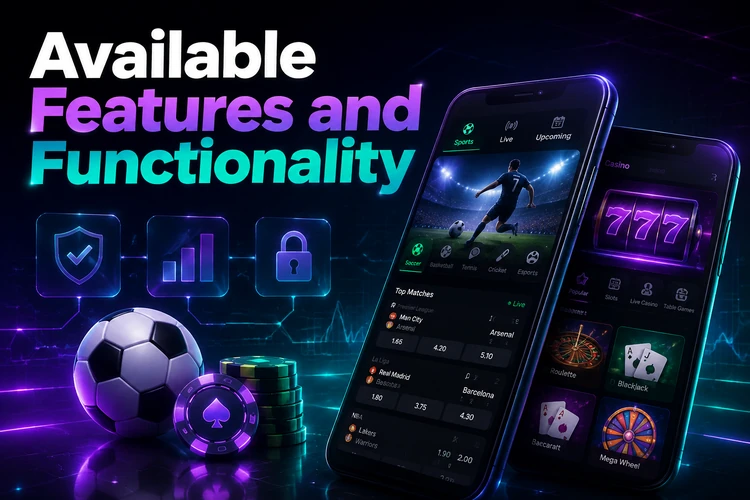
The casino area may include slots, table games, and live dealer games, subject to availability. Account tools provide access to deposits, withdrawals, bet history, and personal settings. Review payment conditions and any applicable limits before confirming a transaction.
| Feature | What it helps with |
|---|---|
| Sports markets | Review pre-match and live betting options |
| Bet history | Check active and settled wagers |
| Account settings | Manage personal details and preferences |
| Payments | Access available deposit and withdrawal methods |
Security and Safe Installation Practices
Use the official website as your source and check your browser’s secure connection indicator before entering login details. Keep a unique password, lock your phone with a PIN or biometric method, and sign out on shared devices. Do not share verification codes or account passwords with anyone.
Only grant permissions that are relevant to the app’s operation. If a file requests unusual access, such as contacts or SMS messages without a clear reason, cancel the installation and obtain a fresh file from the official source. For account help, use the details on the contact page.
Troubleshooting Common Installation Issues
If the APK will not install, verify that your phone permits installation from the browser or file manager used for the download. Free space if necessary, then download the file again. A damaged or incomplete file should not be installed.
If the app opens slowly or closes unexpectedly, restart the device, check the network connection, and install the current version. Login problems may result from incorrect credentials or a temporary connection issue; reset access only through the official account process. If the phone is incompatible, the mobile website remains an alternative.
FAQ
Download the Android installation file through the official PMBet website. Avoid third-party websites, which can host outdated or modified files.
Open the downloaded file from your Downloads folder, allow your browser or file manager to install apps if Android requests it, then tap Install. Open the app after installation finishes.
APK files cannot be installed on iPhone. iPhone users can access the platform through a mobile browser and add a home-screen shortcut in Safari.
Older versions can miss security fixes and may not work correctly with current services. Use the latest official release whenever your device supports it.
Follow an update notice in the app or obtain the current file through the official source. If the update fails, remove the incomplete download, free storage space, and try again.
Check that installation from your browser or file manager is allowed, that the file downloaded fully, and that the device has enough storage. Download a fresh file if the original may be damaged.