











This page covers the main account-access tasks for players in Tanzania: signing in to an existing profile, opening a new one, activating it after registration and getting back in when a password stops working. Each step is described as it appears on screen, so you can follow along with the form open in another tab.
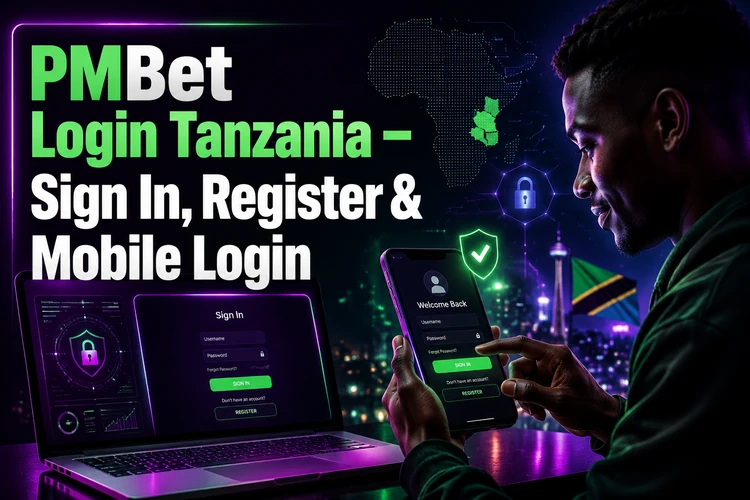
Using the official login form matters for a practical reason. Copies of betting sites can use altered addresses, and credentials entered on them may be collected by whoever created the copy. The PMBet login page is the appropriate place for your phone number and password. If a page asks for a deposit before you have signed in, close it and return to the official site. Never share a one-time SMS code with another person, even if they claim to be support.
How to Login to PMBet
Open the site in a current browser such as Chrome, Opera Mini or Safari, then tap the sign-in button in the top-right area. The form asks for the mobile number used during registration and your password. Enter the number in the format requested by the form; if the field rejects a country prefix, use the local format beginning with 0. After a successful submission, your account dashboard displays the available balance, open bets and profile settings.
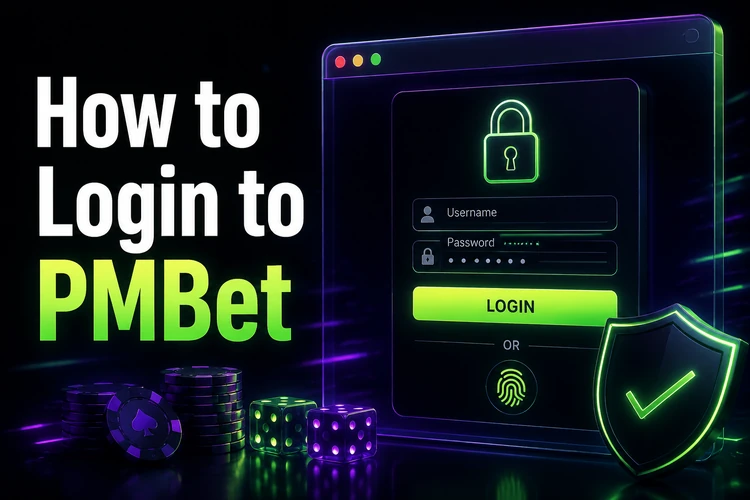
If you have just completed registration, the first sign-in may require the verification code sent by SMS. Enter it before repeating the password attempt, because an unconfirmed profile may be treated as incomplete. On a shared computer, leave the remember-me option turned off and sign out manually. Also close the browser window and avoid saving credentials in the browser when using an internet café or another public device.
Create a PMBet Account
Registration requires a Tanzanian mobile number, a password and basic personal information, including your date of birth. The service is restricted to players aged 18+. Some fields ask for a first and last name, so use details that match your identity document. Accurate information can prevent delays if identity checks are required before a withdrawal.
Choose a password that is at least eight characters long and combines letters and digits. Avoid your phone number, birth year, name or a sequence such as 123456. Do not reuse the password for mobile money, email or social-media accounts. After submitting the form, an SMS code may arrive within a minute or two. Entering it completes registration and can unlock account functions such as deposits, sports markets and the casino section.
Before finishing, check every digit of the phone number and read the account terms shown on the form. A typing error can send the verification code to a different number or make later password recovery impossible. Keep the registered SIM active and available, because it may be needed for future security checks.
Mobile Login
There are two practical mobile routes, and both use the same account credentials. The browser version adapts to a small screen and needs no installation, which is useful when storage or data is limited. The Android application is installed from an APK file and may keep the session available between visits. Instructions for obtaining the application are available on the app download page.
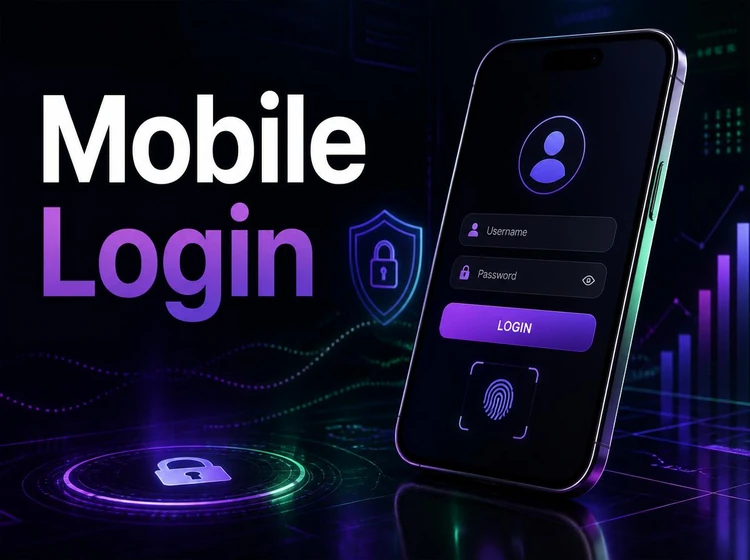
After installation, launch the application and enter the same registered phone number and password used on the website. There is no need to create a second profile. Android may ask for permission to install an APK from an unknown source; review the source carefully and enable the setting only when you are sure the file is official. If the app opens to a blank screen, close it, check the connection, clear its cache in Android settings and reopen it.
| Access method | Setup needed | Best for |
|---|---|---|
| Desktop browser | None | Detailed bet slips and longer sessions |
| Mobile version of the site | None | Quick access and limited storage |
| Android application | APK installation | Regular use on a compatible phone |
Password Recovery
Select the Forgot password? option under the sign-in form and enter the registered mobile number. A reset code is sent by SMS; type it into the requested field and choose a new password. If no message arrives, check network coverage, confirm that the SIM is active and make sure the number matches the one used when the profile was created.
Repeated failed attempts can trigger a temporary security block. Waiting a few minutes is safer than submitting the same details repeatedly. Do not ask another person to reset the account on your behalf or disclose the SMS code. Once access is restored, review the profile details and change the password from a private connection rather than public Wi-Fi.
Account Verification and Activation
Activation normally begins with confirming the mobile number through the SMS code sent during registration. Identity verification is a separate step and may be requested before a first withdrawal. If documents are requested, provide a clear image of an accepted ID document with all corners visible and no glare covering the text.
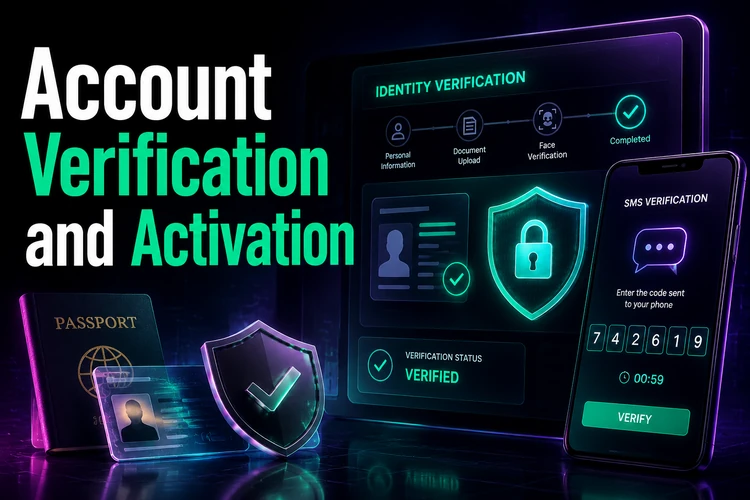
Access can fail after registration when the number remains unconfirmed, the submitted name does not match the document, or another profile already uses the same number. Do not open a duplicate account to work around the problem. Keep the registration details consistent and contact support if you think an incomplete profile was created by mistake. Some deposit or withdrawal functions may remain limited until the relevant checks are complete.
Login Problems
Most access issues have a simple cause. Work through the checks below before contacting support, and record any error message exactly as it appears.
- Wrong password: check caps lock and the keyboard language, then use the field’s visibility control to confirm what you entered.
- No SMS code: check signal strength, wait about sixty seconds and request one resend rather than several in quick succession.
- Page will not load: clear cookies, switch between mobile data and Wi-Fi, or test a different current browser.
- App rejects credentials: check for an available update, force-close the app and confirm that the phone’s date and time are set automatically.
- Account locked: use the contact page and provide the registered number without sending your password or verification code.
Keep access details private and avoid signing in through links received in unsolicited messages. If betting begins to take more of your planned budget, pause and use the account controls and guidance on responsible gambling. A secure login protects the account, but it cannot replace sensible spending limits.
When support is needed, include the device type, browser or app version, approximate time of the failed attempt and whether SMS messages are arriving normally. This gives the team useful diagnostic information without exposing sensitive credentials. Screenshots should not show your password, full payment details or verification codes.
FAQ
Open the official site, tap the sign-in button and enter the mobile number used for registration plus your password. The same credentials can be used in a compatible browser and in the Android application.
Choose the registration form, enter a Tanzanian mobile number, create a strong password and confirm that you are 18+. Complete the SMS verification step to activate the profile.
Yes. Install the Android application from the available download page, open it and use your existing phone number and password. A separate app account is not required.
Confirm the mobile number with the SMS code sent during registration. Identity verification may be requested separately, often before a first withdrawal, so provide clear and accurate documents if asked.
Use the Forgot password? option below the login form and enter the registered number. Follow the SMS reset instructions and choose a password that is not used for another service.
Check the password, caps lock, keyboard language and phone number format first. An unconfirmed number, temporary security block or duplicate profile can also prevent access. Contact support without sharing your password or SMS code if the problem continues.